Home
>
Windows products
> Boilsoft FLV Converter
Boilsoft FLV Converter
Convert FLV to AVI, FLV to MPEG, FLV to MP4, MP4 to FLV
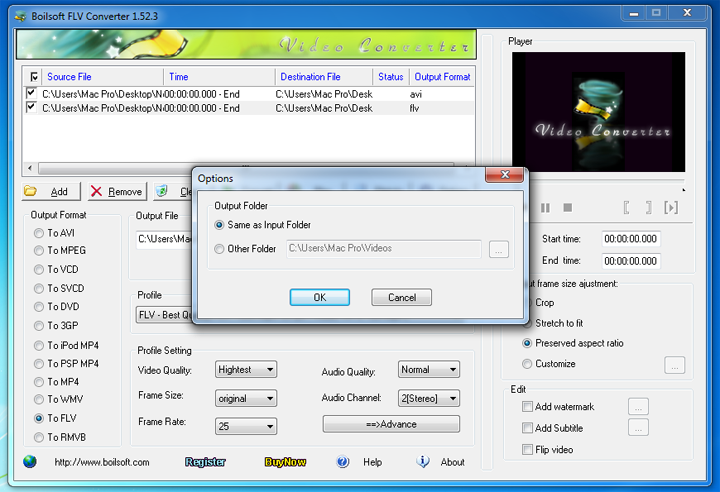
FLV Converter is a powerful Flash video (.flv) converter which lets you easily convert FLV to AVI, to FLV, to MPEG, to MP4, to WMV, to 3GP, to VCD/SVCD/DVD, to RM/RMVB, to PSP MP4, to iPod MP4, to FLV, etc. Batch convert your FLV video to other formats professionally with Boilsoft FLV Converter.
- Convert FLV (.flv) video to all popular formats.
- A mini video clip selector is attached to the FLV converter.
- FLV batch conversion is surely supported.
$34.95
Take a closer look
- Overview
- Tutorial
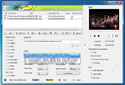
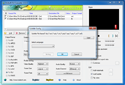
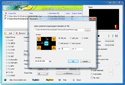
- Screen Shot
- SYSTEM REQUIREMENTS

Convert FLV video to all popular formats to play anywhere
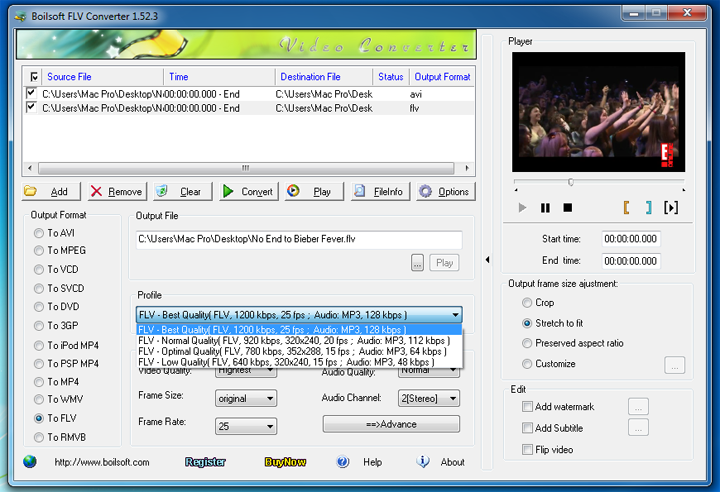
- Convert FLV (.flv) video to all popular formats, like FLV to AVI, FLV to MPEG, FLV to MP4, FLV to WMV, FLV to 3GP, FLV to VCD/SVCD/DVD, FLV to iPod MP4, FLV to PSP MP4, FLV to RM, to RMVB to play on iPod, iPhone, iTouch, PSP, PS3, and other digital multimedia devices.
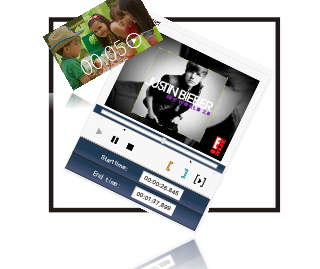
- The mini video cutter attached to the FLV converter allows you to cut and convert a certain video clip. Preview video with the built-in player to trim and convert any parts from your movies precisely.
Trim Video Clips to convert & Preview video before converting
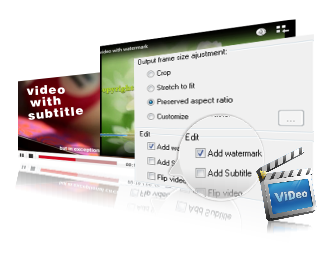
Convert FLV video to any customized video files
- FLV converter output video/audio settings can be fully customized.
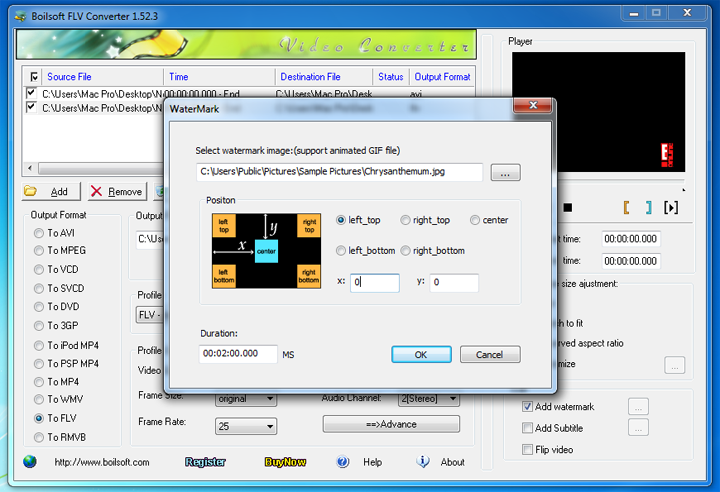
- Add watermark with FLV Converter. Watermark image supports any format image, even animated GIF.
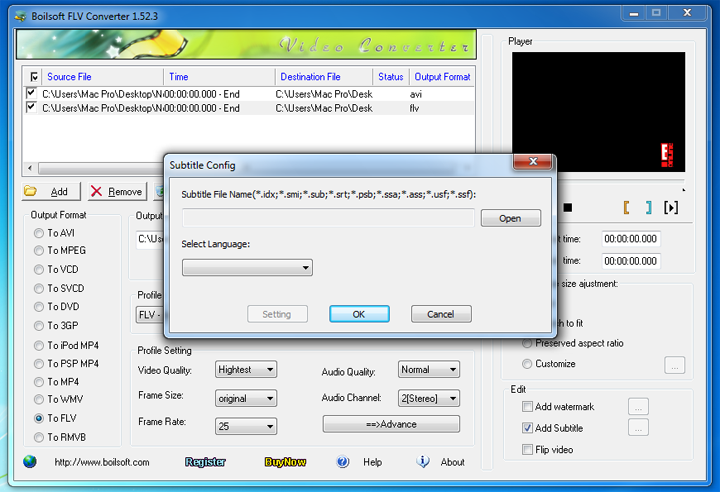
- Add subtitle with FLV Converter. Subtitle file supports .srt, .idx, .sub, .ssa, etc. file.
- FLV Converter supports flip video image and 4 methods of Frame Size adjustment.
Looking for something different?
Tutorials


Copyright © 2023 Boilsoft Systems International Inc. All rights reserved.