Home
>
Windows products
> Boilsoft WMV Converter
Boilsoft WMV Converter
Convert WMV to AVI, WMV to MPEG, FLV to WMV
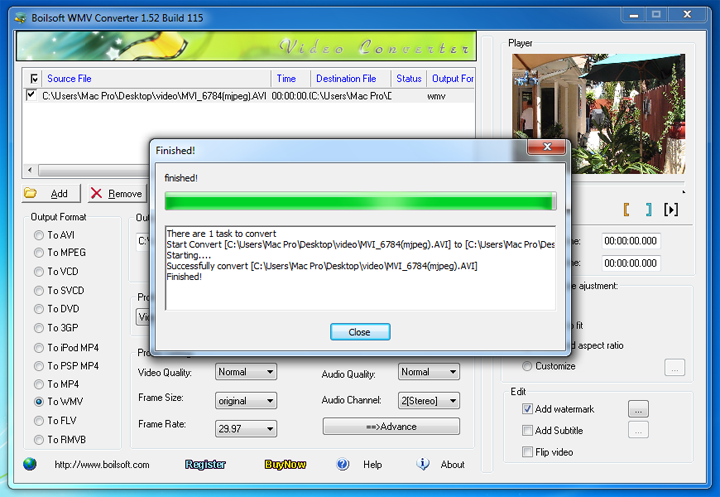
WMV Converter is a powerful Windows Media File (.asf, .wmv) converter that lets you easily convert WMV to AVI, to FLV, to MPEG, to MP4, to WMV, to RM, to RMVB, to 3GP, to VCD/SVCD/DVD, to PSP MP4, to iPod MP4, to FLV, etc. Batch convert your WMV video to other formats professionally with Boilsoft WMV Converter.
- Convert WMV video to all popular formats.
- A mini video clip selector is attached to the WMV converter.
- WMV batch conversion is surely supported.
$34.95
Take a closer look
- Overview
- Tutorial
- Screen Shot
- SYSTEM REQUIREMENTS

Convert WMV video to all popular formats to play anywhere
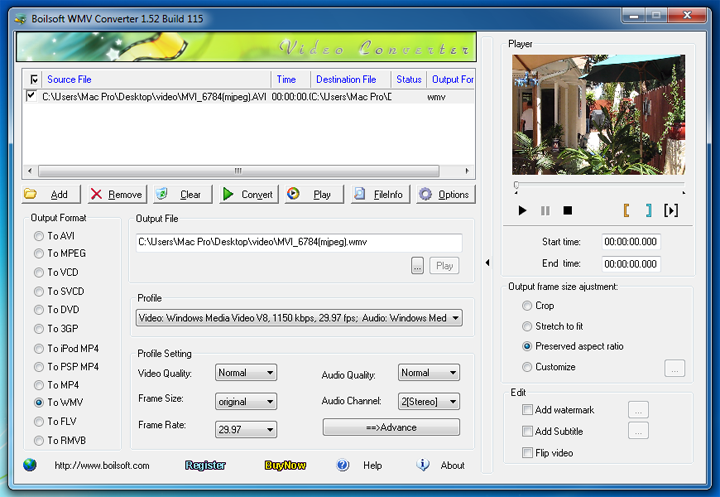
- Convert WMV video to all popular formats, like WMV to AVI, WMV to MPEG, WMV to MP4, WMV to 3GP, WMV to RM/RMVB, WMV to VCD/SVCD/DVD, WMV to iPod MP4, WMV to PSP MP4, WMV to FLV to play on iPod, iPhone, iTouch, PSP, PS3, and other digital multimedia devices.
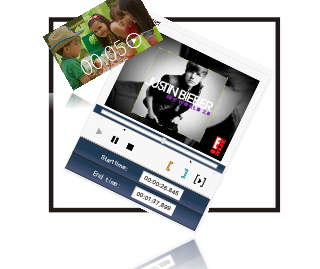
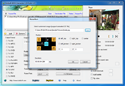
- The mini video cutter attached to the WMV converter allows you to cut and convert a certain video clip. Preview video with the built-in player to trim and convert any parts from your movies precisely.
Trim Video Clips to convert & Preview video before converting
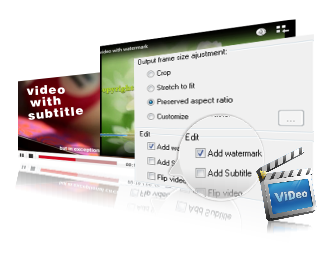
Convert WMV video to any customized video files
- WMV converter output video/audio settings can be fully customized.
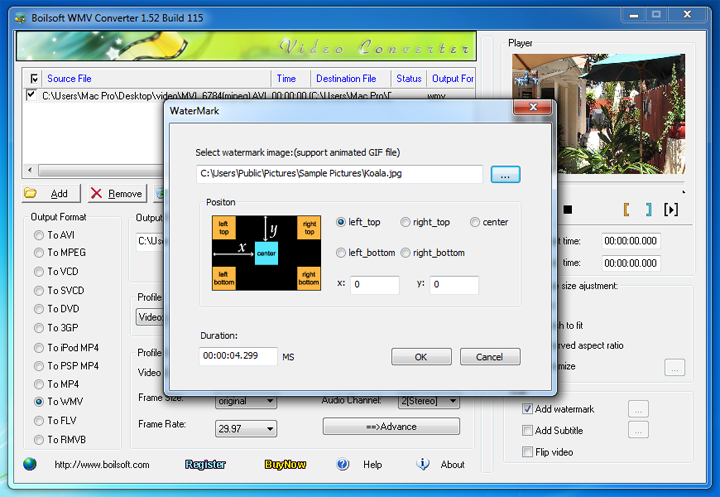
- Add watermark with WMV Converter. Watermark image supports any format image, even animated GIF.
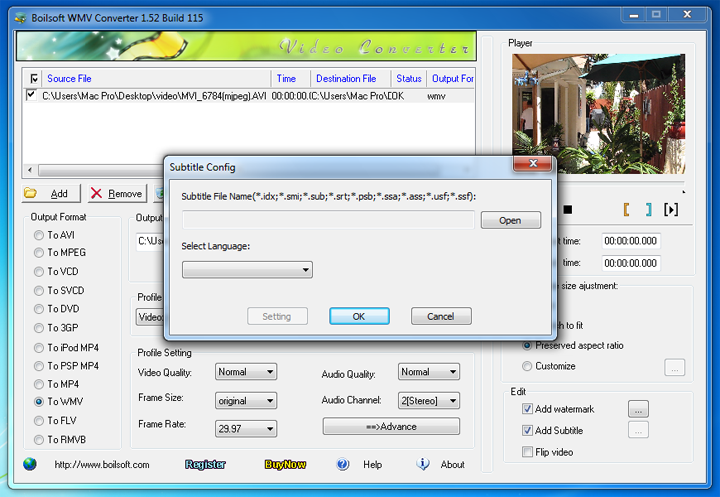
- Add subtitle with WMV Converter. Subtitle file supports .srt, .idx, .sub, .ssa, etc. file.
- WMV Converter supports flip video image and 4 methods of Frame Size adjustment.
Looking for something different?


Tutorials


Copyright © 2023 Boilsoft Systems International Inc. All rights reserved.