Home
>
Windows products
> Bolisoft Screen Recorder
Boilsoft Screen Recorder
Boilsoft Screen Recorder, Screen Capture, Screen Sharing, Capture Streaming Video to avi and wmv
Boilsoft Screen Recorder is a powerful yet elegant screen-recording software that can help you capture and record and the screen activities into AVI or WMV files, You can even record audio into the video file from any sources, including the microphone, line-in, or speakers .
- Make demo videos, capture streaming video, prepare business solutions, make training materials, record gameplay, etc.
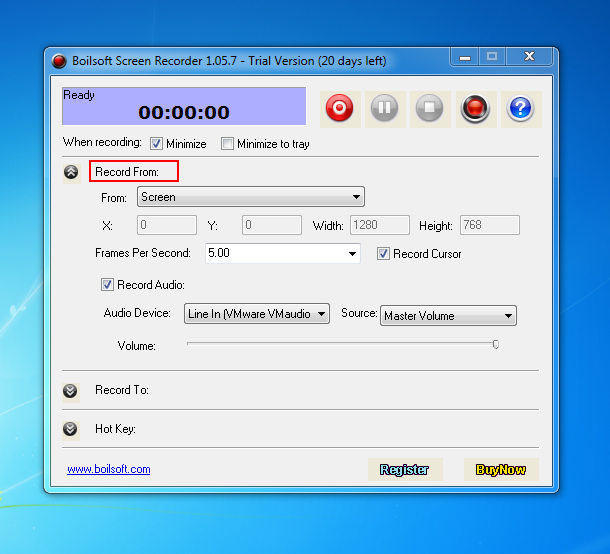
- Capture and record video from full screen, windows, region or a fixed region.
$49.95
Take a closer look
- Overview
- Tutorial
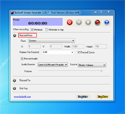
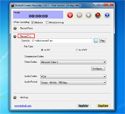
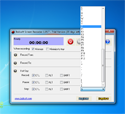
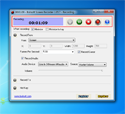
- Screen Shot
- SYSTEM REQUIREMENTS
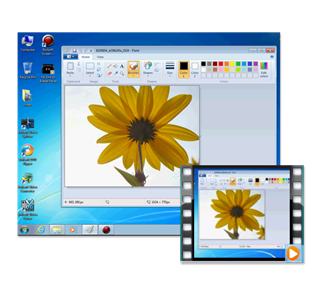
Powerful screen-to-video capture program
- Create demonstration videos for any software
- Create video tutorials for students at multiple levels
- Record a frequently occurred problem from your computer and you can use the video as a sample for technical support
- Create video-based information products you can sell
- Record your excellent performance in the game to show how cool you are
- Develop multimedia materials that can be shown on TV or burnt to discs. Use them to promote your website or other products
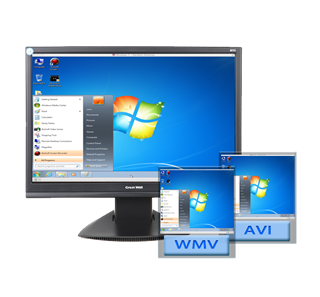
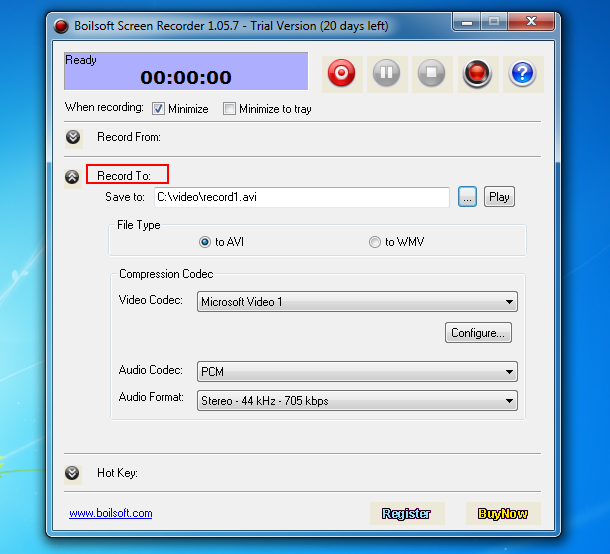
- Output to AVI file. You can choose the video compressor, and its compression quality. Supports DivX, XviD
- Supports recording to WMV file. All the video and audio settings can be configured
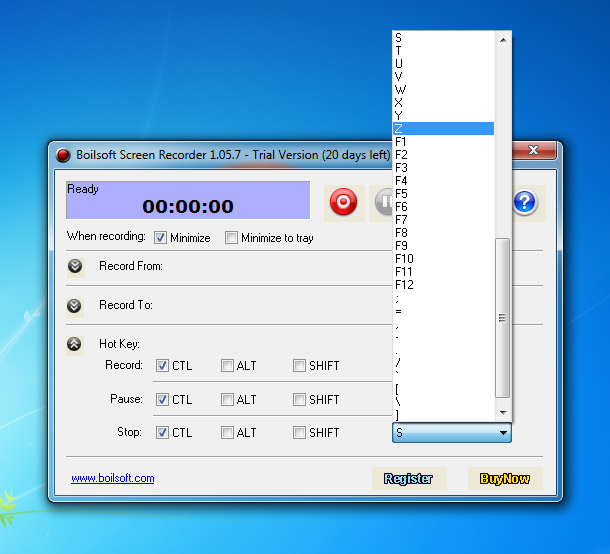
- Supports Hot Keys, you can either use the default ones or define them as you like
Powerful yet simple screen recording software
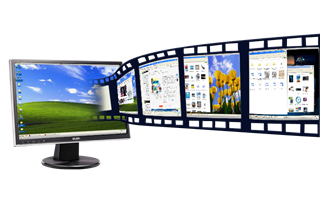
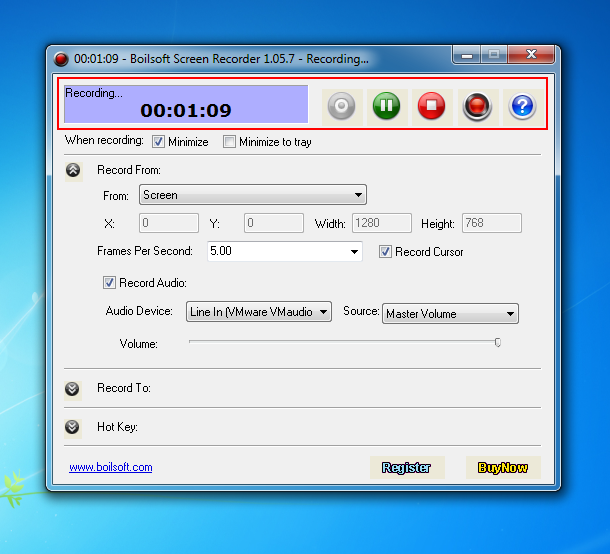
Record all screen activities
- Support recording mouse cursor on screen
- Support recording audio from any sources including the microphone, line-in, or speakers
- Fast real-time audio/video compression
- Good audio/video synchronization
- Customizable audio/video quality
Looking for something different?

Tutorials


Copyright © 2023 Boilsoft Systems International Inc. All rights reserved.