Home
>
Mac products
> Audio Recorder for Mac
Boilsoft Audio Recorder for Mac
As a professional Mac audio recording software, Boilsoft Audio Recorder can record any sound on your Mac. It records high-quality audio from any music streaming services, video platforms, internet radio stations, offline videos, websites to popular audio formats. It can record sounds from Safari, Chrome, Firefox, iTunes, Spotify, VLC, QuickTime, Pandora, YouTube, vimeo, etc.
- Record Streaming Music and Internet Audio.
- Record audio from online or offline videos.
- YouTube to MP3 converter - Convert YouTube to MP3.
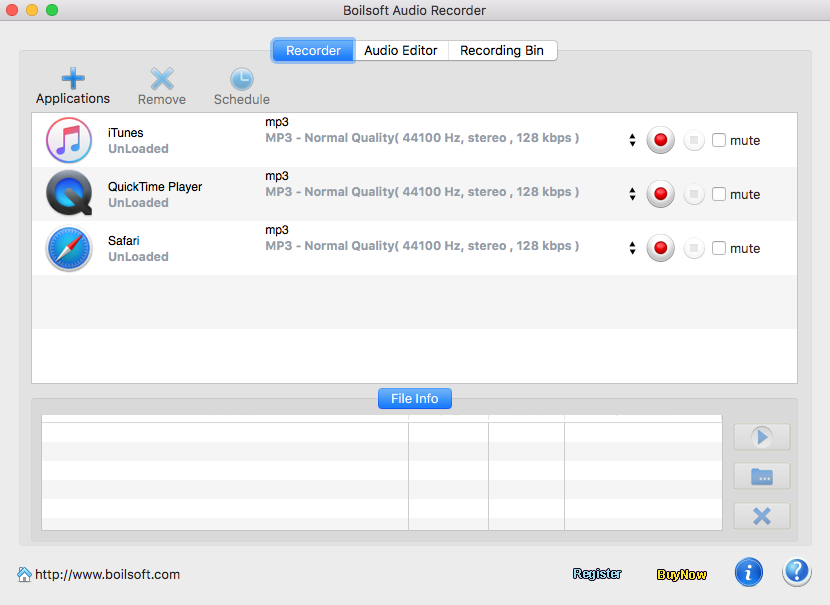
- Batch record songs from different applications.
- Silent recording will not distract you.
- Multiple output formats and customizable audio quality.
- Trim or crop any audio file with the built-in audio editor.


$29.95
Take a closer look
- Overview
- Tutorial
- Screen Shot
- SYSTEM REQUIREMENTS

Record Streaming Music and Internet Audio
- Boilsoft Audio Recorder allows you to easily record songs from any music streaming services such as Apple Music, Spotify, Amazon Music, Google Play Music, Pandora, Tidal, Napster, Deezer, SoundCloud, iHeartRadio, Grooveshark, etc. or from Internet radio sites such as Last.fm, NPR, CNN, BBC and millions more, whether app or web player.

- Sometimes you may just want to download just the audio file from a streaming video and save it to your hard drive for offline listening. Boilsoft Audio Recorder allows you to record video from all video websites such as YouTube, Vimeo, etc. or any video that plays on your Mac, online or offline. Convert Youtube to MP3.
Record audio from YouTube, vimeo, etc.
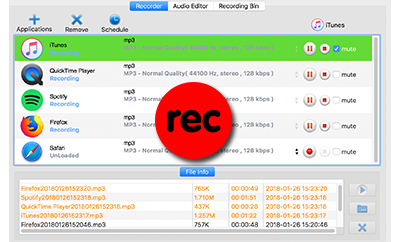
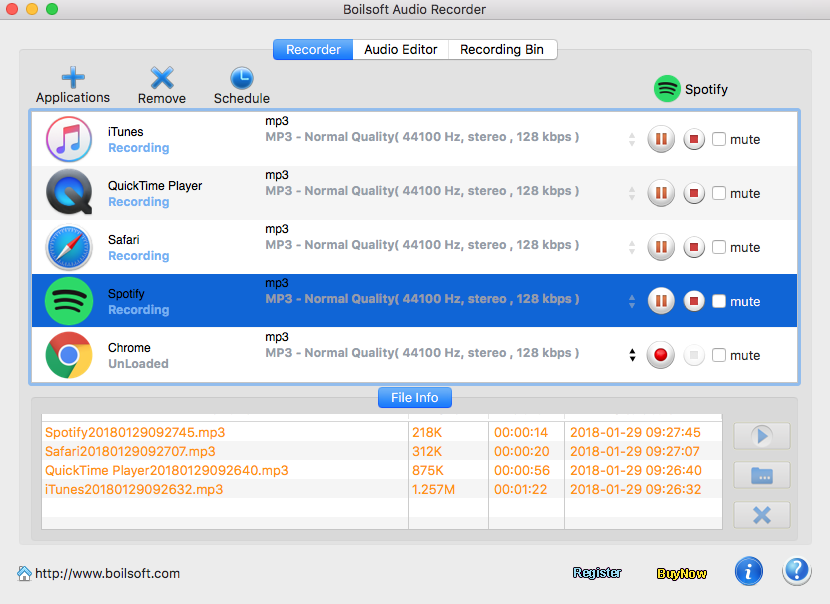
Record iTunes, Spotify, Safari, Chrome, Firefox, etc. simultaneously
- Want to record audio from YouTube, Spotify, Apple Music, website, etc. at the same time? It's easy. With Boilsoft Audio Recorder you can record sounds from different applications at the same time. And they are recorded to respective audio files and won't disturb each other.
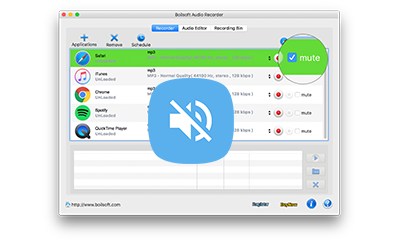
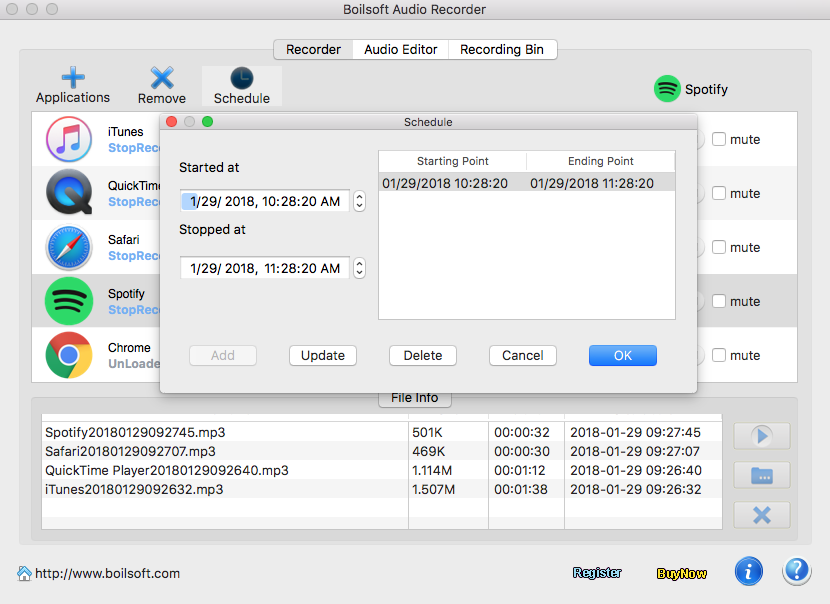
- You can still work on your Mac while Boilsoft Audio Recorder is recording songs from different applications. Click Mute option and the sounds will be recorded silently. You can read, surf the internet, listen to other songs, or watch videos.
Silent recording
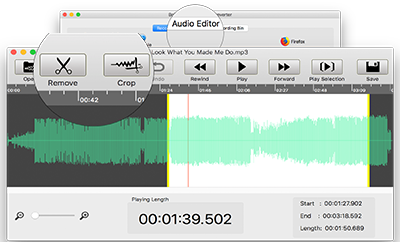
Built-in Audio Editor
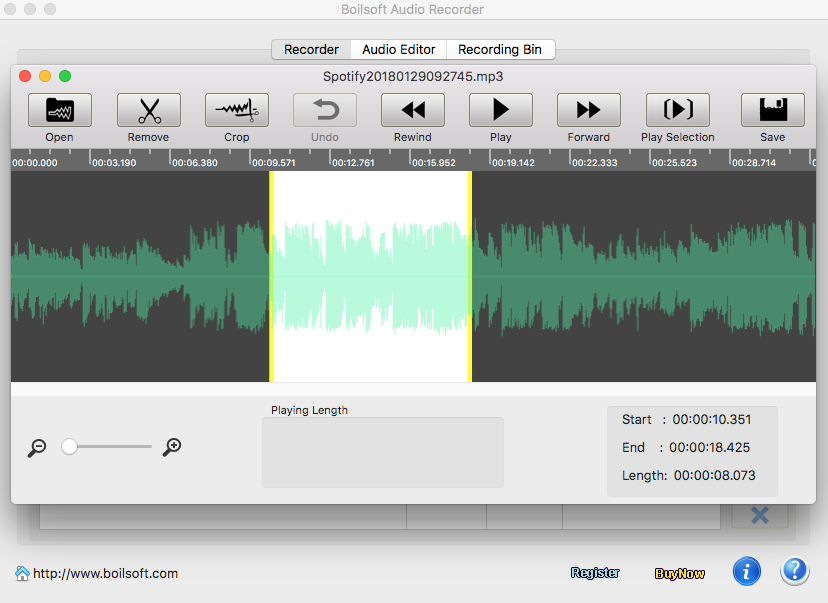
- Crop and Trim any audio files without installing other software on your Mac. The built-in Audio Editor allows you to crop any certain part or remove unwanted sections out of your audio recordings.
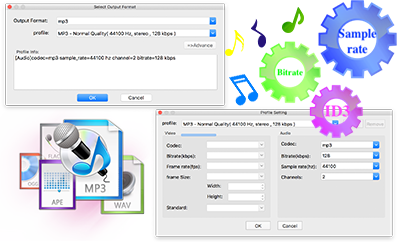
- Record any sound on Mac to AAC, AC3, AIFF, AU, FLAC, M4A, M4R, MKA, MP3 and OGG. Customize audio bitrate and sample rate as you like.
Customize your audio recording
Looking for something different?


Tutorials


Copyright © 2023 Boilsoft Systems International Inc. All rights reserved.