Boilsoft Audio Recorder for Mac Tutorial
Edit audio files with Boilsoft Audio Recorder
How to edit audio files with Boilsoft Audio Recorder?
1. Download and install Boilsoft Audio Recorder. Launch it, and the main interface will pop up as below.
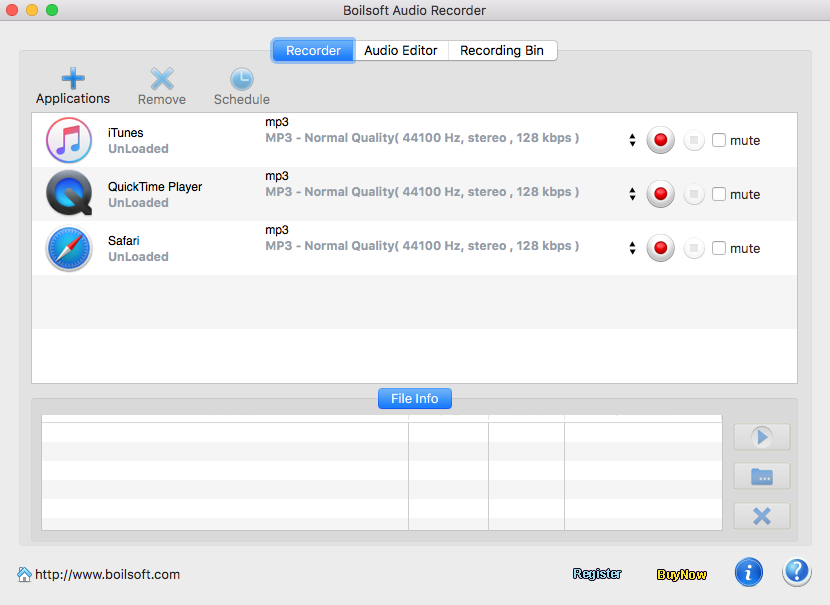
2. Click Audio Editor.
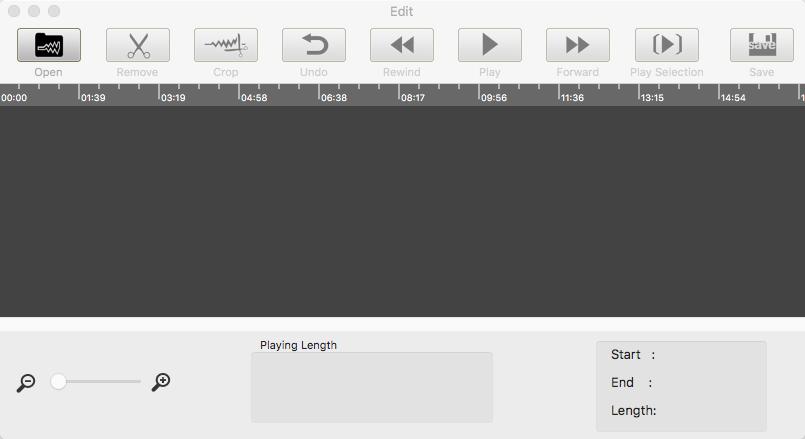
3. Click Open button to import the audio recording you want to edit.
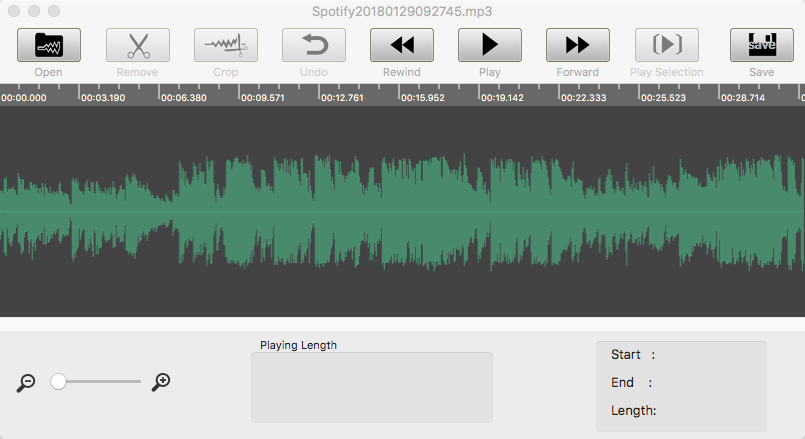
4. Play the audio recording and select the segment you want to remove or save. Click Remove to delete the segment or click Crop to keep this segment.
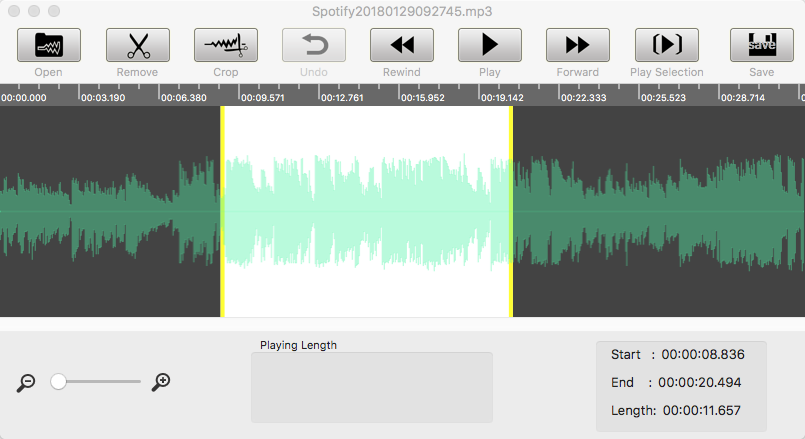
5.
Click Save.
Tutorials
Topics


Copyright © 2023 Boilsoft Systems International Inc. All rights reserved.