Boilsoft Video Converter for Mac
Video Converter for Mac--All-In-One Video Converter for Mac
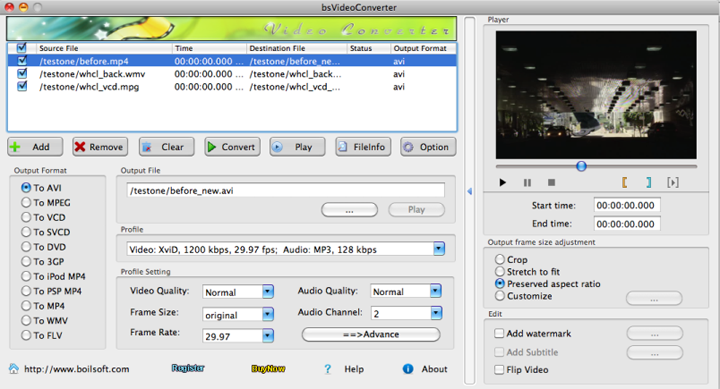
Boilsoft Video Converter for Mac is aversatile video converter on Mac OS that converts all popular video formats such as AVI, MOV, MP4, FLV, MPEG, VOB, RM, MP4, WMV, and etc. to AVI, MPEG, VCD, SVCD, DVD, 3GP, iPod Mp4, PSP MP4, MP4, FLV and WMV. With Boilsoft video converter for Mac, you can easily get the exciting video files that can be played on Mac, portable media players, mobile phones, websites, and etc. And then you can enjoy a wonderful video trip.
- AVI converter, MPEG converter, VCD converter, SVCD converter, DVD converter, 3GP converter, iPod Mp4 converter, PSP MP4 converter, MP4 converter, FLV converter all-in-one
- Clip and convert a certain video segment as you like with the built-in player
To convert iTunes M4V movies/TV shows to MP4 , try iTunes Movie Converter .


Take a closer look
- Overview
- Tutorial
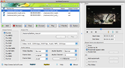
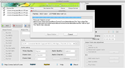
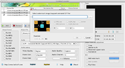
- Screen Shot
- SYSTEM REQUIREMENTS

All-In-One Video Converter for Mac
- Versatile video converter converts all popular formats video files such as ASF, AVI, MPEG, MP4, RM, RMVB, WMV, FLV, MOV, 3GP and 3GPP2
- Provide output popular video formats including AVI, FLV/ flash, MPEG, VCD, SVCD, DVD, 3GP, iPod Mp4, PSP MP4, MP4, etc
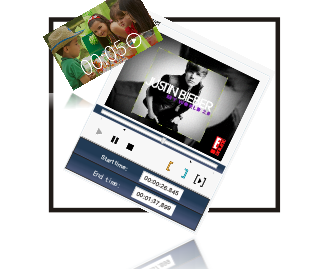
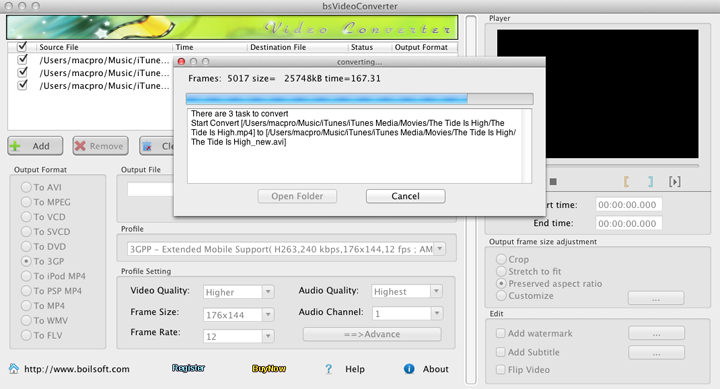
- Batch conversion
- Cut and convert video segments
- Customize output parameters
- Adjust output video frame size
- Built-in player
It's everything a Mac Video Converter should be
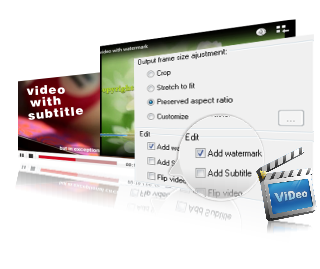
Get personal video files with the edit function
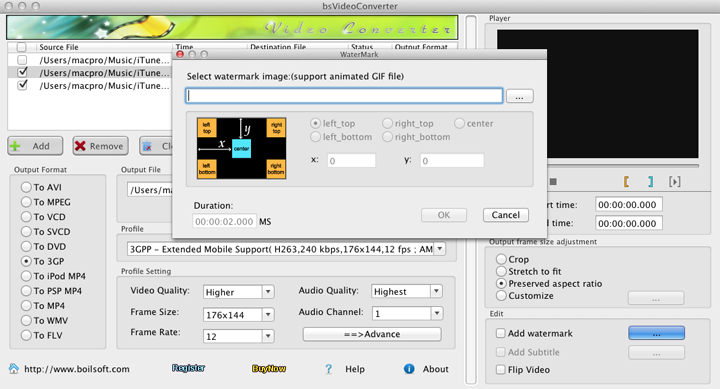
- Support adding watermark image in a variety of formats (include GIF) to the converted video with changeable position and duration
- Support adding subtitle file formats such as .ass, .srt, .idx, .sub, .ssa, .smi, .psb, and etc
- Support Flip Video Image function - a way to flip your video image vertically
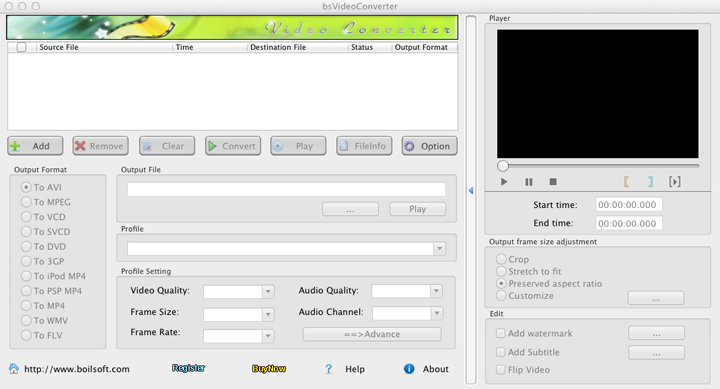
Looking for something different?


Tutorials


Copyright © 2023 Boilsoft Systems International Inc. All rights reserved.