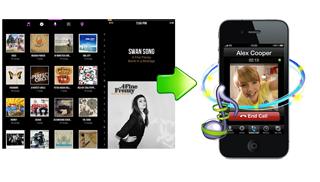
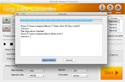
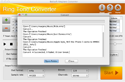
Boilsoft Ringtone Converter for Mac is powerful ringtone converting software on Mac OS, which helps convert almost all video and audio formats to phone ringtone files such as AMR, M4A, M4R, MP3, OGG and WAV with high speed and excellent quality.
Compared with other software, this Mac Ringtone Maker can support converting video and audio formats on Mac including AVI, WMA, AAC, WAV, VOB, OGG, FLAC, M4A, RM, MP4, AC3, AIFF, FLV, MKV, WMV and so on.
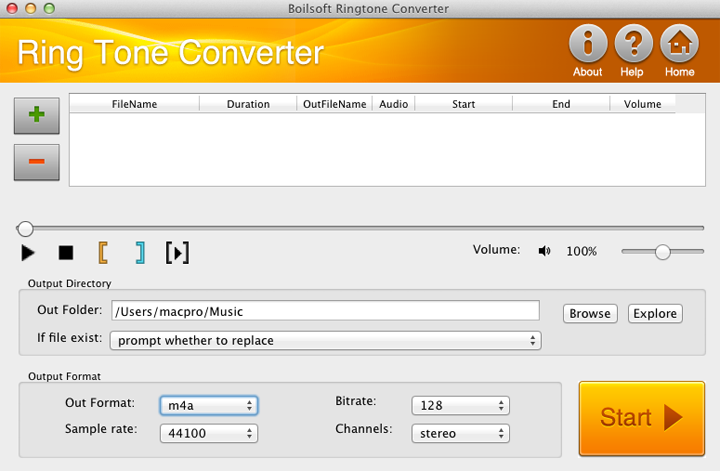
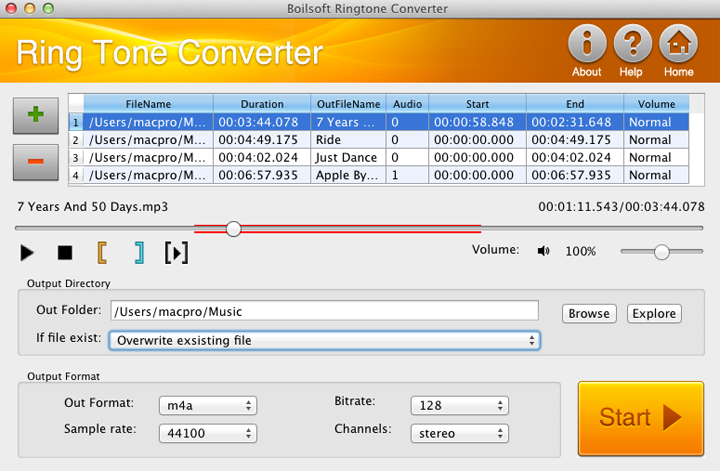
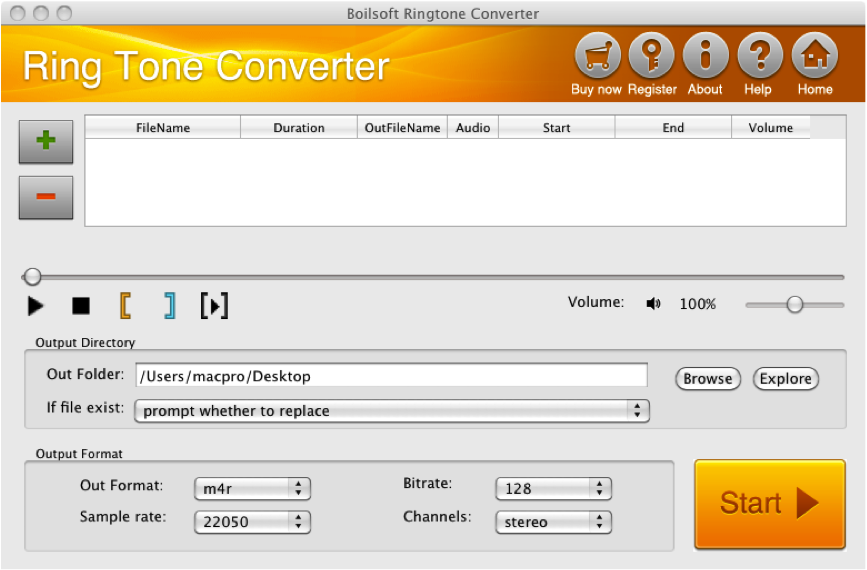
It is very easy to use this Mac ringtone creator. Drag and drop source file, all the information like file name, duration, start time, end time and audio are fully displayed on the interface. In addition, just one click you can modify name, volume and saving directory of output files on Mac.
With this wonderful Boilsoft Mac Ringtone converter, you can efficiently trim source video and audio file on Mac to get any selection as your ringtone by setting start time and end time accurately on Mac OS.
This professional Phone ringtone converter for Mac provides multiple options about profile parameters such as output format, sample rate, bit rate and channel.
In one word, Ringtone converter for Mac is really a professional tool to create ringtones from any video/audio files as you like.
Free download and enjoy this fabulous Boilsoft ringtone converter for Mac.
Main Functions of Boilsoft Ringtone converter for Mac
- Make ringtones from music with our Mac Ringtone converter
Boilsoft Ringtone converter for Mac can convert any video and audio files such as AVI, WMA, AAC, WAV, VOB, OGG, FLAC, M4A, RM, MP4, AC3, AIFF, FLV, MKV, WMV and so on.
- Various output formats applied as your ringtone
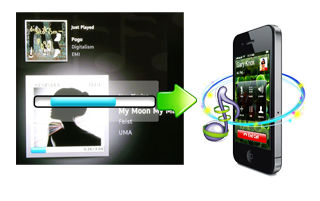
The output formats such as AMR, M4A, M4R, MP3, OGG and WAV is fully compatible with your phone.
- Edit any video files as your ringtone on Mac
If you want to apply a certain segment from a video file as your ringtone, our Mac ringtone converter is your wise choice. You can get the exact clip as you want by setting start time and end time accurately.
Key features of Ringtone Converter for Mac
- Batch conversion
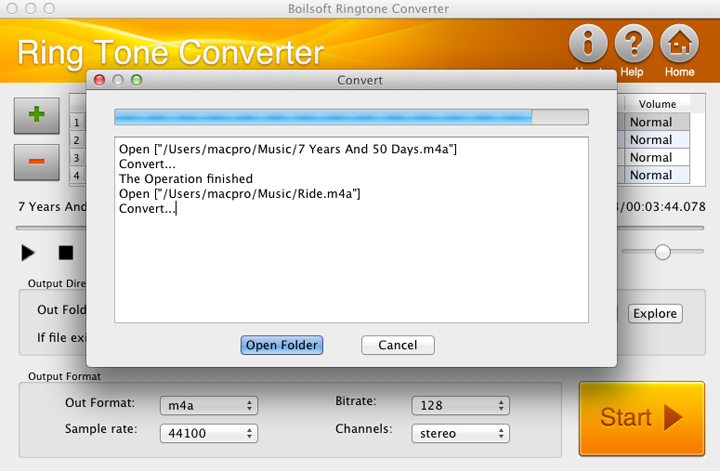
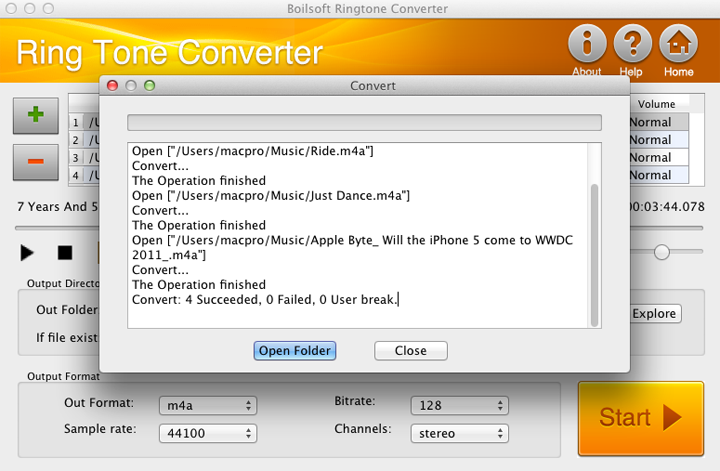
Add video files in batch as many as you like, the converting process can be done with just one click. Then you can take a nap or have a coffee as you like.
- Easy to use this Mac ringtone audio converter
Featured with intuitive and user-friendly interface, it is really a breeze to use this Mac ringtone audio converter. With just 3 steps you can get the ideal ringtone for your phone.
- Take whole song as your ringtone by Mac ringtone converter
Break 30-second or 60-second limitation on the length, our audio ringtone converter for Mac allows you to convert unlimited video file and use it as your ringtone.
- Pre-listen video with Mac ringtone converter for phone
The universal and versatile Mac Phone ringtone maker allows you to listen to source files before converting. Only playing selected clip is also supported.
- Adjust ringtone volume arbitrarily with this Mac Ringtone conversion tool
Volume level from 0% to 200% is available to adjust as you need. But normal level is recommended.
- Fully compatible with Mac OS
This fabulous Phone ringtone maker for Mac is fully compatible with Mac OS X 10.6(Snow Leopard).
>> Download RingTone
Converter for Mac >>Buy
Now
System Requirements
Mac OS X 10.6(Snow Leopard).
FAQ
How to make my own ringtone?
| Boilsoft RingTone Converter
for Mac Screen Shot |
Main interface (click to enlarge)
|
|