Multi-subtitle, Multi-audiotrack DVD Creator

Community


Bookmark and Share

Boilsoft DVD Creator

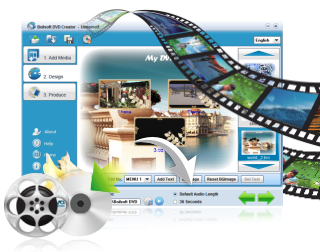
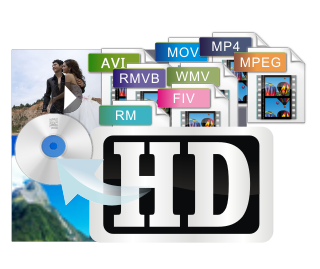
Boilsoft DVD Creator serves as an excellent DVD creator, DVD Menu Designer, DVD burner and also a DVD movie maker. It can create DVD from all popular video formats such as AVI to DVD, AVCHD to DVD, MP4 to DVD, MTS to DVD, MKV to DVD, RMVB to DVD, FLV to DVD, DivX to DVD, Xvid to DVD, MPEG to DVD, WMV to DVD, MOV to DVD, and etc..
Our DVD Creator supports popular subtitle formats internal and external such as .srt, .idx, .sub, .ssa, and etc.

It supports producing multi-subtitle DVD and multi-audiotrack DVD.

DVD menu design, a feature of our DVD Creator, will be surely for recreation during your spare time. With it, all background music and images can be fully personalized.

Desirable movies recording moments from wedding, vacation, family and so on can be effortlessly turned into DVDs that you can share with your family and friends.

Let's enjoy this all-in-one video converting and burning software.
 

Features

  • It supports all popular video formats such as AVI, AVHCD,M2TS, MTS, MPEG, WMV, FLV, MP4, RMVB, MKV, ASF, DV, DivX, Xvid, VOB, 3GP, 3G2, MP4, DAT, DV, VOB, DVS(R)-MS, MPG, TS, MOV, RM, RMVB, WMV, NS, MOD, M2V and etc. to DVD format.
  • It supports producing multi-audio track DVD that give you a wonderful audio journey.
  • It supports popular subtitle formats such as .srt, .idx, .sub, .ssa, and etc.
  • It supports producing multi-subtitle DVD, which will be a visual shock to you.
  • With video cutting function in the video editing panel.
  • DVD Creator enables you to adjust the playing sequence of the audio tracks the source videos contain according to your preference.
  • It enables you to adjust the playing sequence of the subtitles the source videos contain according to your preference.
  • When you add AVI video and some others to DVD creator, which will automatically add subtitle being with the same name as that of the added AVI video!
  • There's also a DVD Burning Express Button in the tool bar.
  • Burn DVD movie disc directly, or create DVD files to a designated folder.
  • Support various disc medias such as DVD+/-R, DVD+/- RW, DVD DL+R, DVD DL+/-RW, etc.
  • Create DVD movies with NTSC or PAL video standard, Fullscreen 4:3 video aspec rate or widescreen 16:9 video aspec rate.
  • With high burning and conversion speed.
Tutorial


Boilsoft DVD Creator, DVD Burner, DVD Menu Designer, DVD Converter, DVD Software Screen Shot 

Add movie clips

click to enlarge

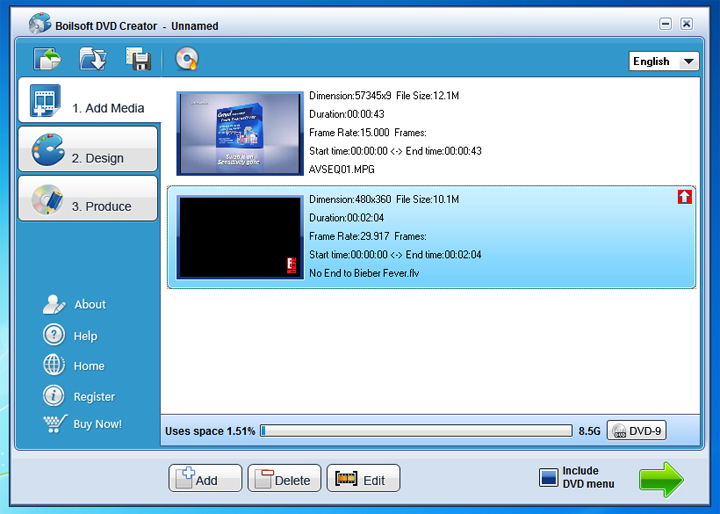
As can be seen from the above diagram, you can click "add" your favorite videos to the DVD creator to create DVD

It supports all popular video formats such as AVI, AVHCD,M2TS, MTS, MPEG, WMV, FLV, MP4, RMVB, MKV, ASF, DV, DivX, Xvid, VOB, 3GP, 3G2, MP4, DAT, DV, VOB, DVS(R)-MS, MPG, TS, MOV, RM, RMVB, WMV, NS, MOD, M2V and etc. to DVD format.

After adding the videos, you can also edit the video by clicking "Edit" or clicking mouse right on the added video as shown, and the below panel will be displayed.

click to enlarge

Now let's edit the video

Part 1 Edit Subtitle

click to enlarge

  1. You have option to activate or cancel them by clicking the checkbox.
  2. As the picture shows, our DVD Creator support most popular subtitles such as such as .srt, .idx, .sub, .ssa.
  3. The playing sequence of the subtitles the video contain can be adjusted as you like by clicking the up and down arrow button!- our exclusive feature
  4. The language of subtile can be choosed as you like.
  5. The output one can be a multi-subtitle DVD.

Part 2 Edit the audio track

click to enlarge

  1. You have option to activate or cancel them by clicking the checkbox.
  2. The playing sequence of the audio tracks the video contain can be adjusted as you like by clicking the up and down arrow button!- our exclusive feature
  3. The language of the audio tracks can be selected as shown.
  4. The output one can be a multi-audio track DVD.

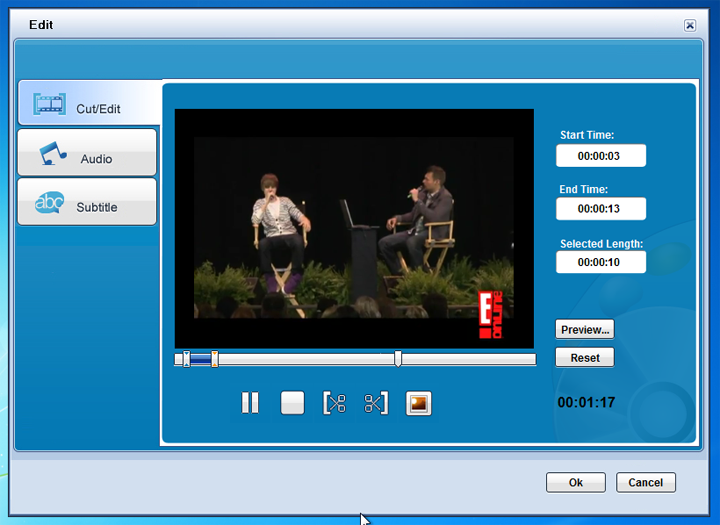
Part 3 Cut Video

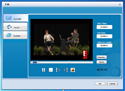
clcik to enlarge

You can cut off what you don' t want to exist in the DVD by setting start time and end time.

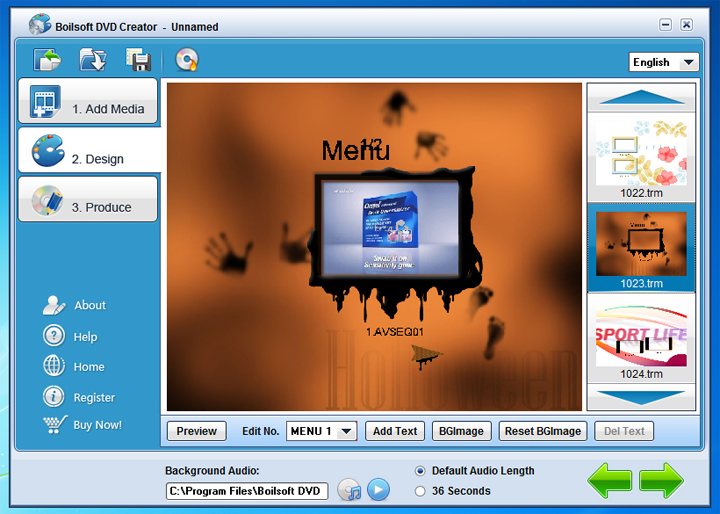
Design Interface

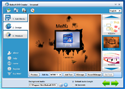
click to enlarge

Wow, designing your own Menu can be really categorized as a relaxation and recreation during your spare time!

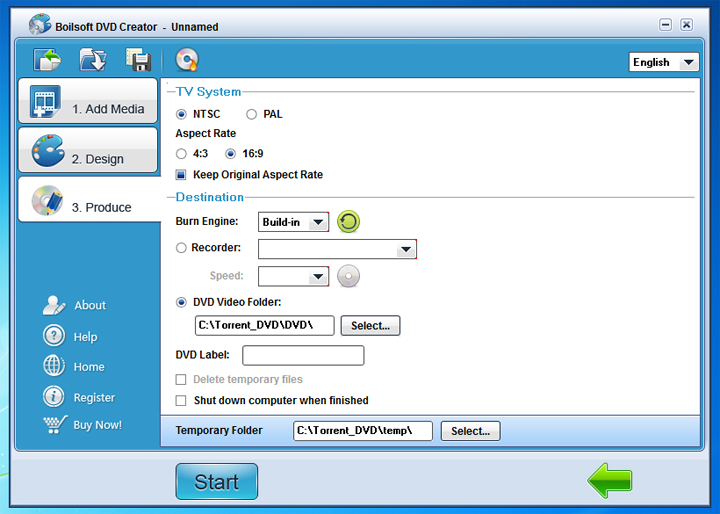
Produce Interface

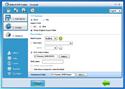
click to enlarge

Press "Start" and then enjoy your fruit!


Copyright(c) 2011 Boilsoft - http://www.boilsoft.com - All rights reserved
DVD Creator, DVD Burner, DVD Menu Designer, Multi-subtitle DVD Creator, Multi-audiotrack DVD Creator