Bolisoft Audio Converter for Mac
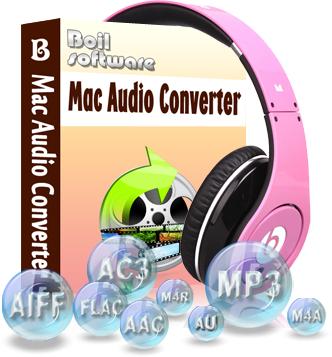
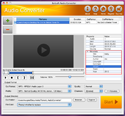
Are you seeking an audio converter running on Mac OS? Here it is! Boilsoft Audio Converter for Mac is designed for Mac users to convert all popular video and audio formats to fashionable audio formats, such as AAC, AC3, AIFF, AU, FLAC, M4A, MKA, M4R, MP2, MP3, OGG, WAV and etc. With a super intuitive interface, Boilsoft Audio Converter for Mac enables you to use it smoothly and efficiently without any tutorial. It is truly the audio converter for Mac that you want to use and never disappoints you!
- Support all popular video and audio formats, including 3GP, AAC, AC3, AIF, ALAC, AOB, APE, AMR, AU, CD Audio, DIRAC, EVO, WV, IVF, M4A, MOV, MP3, MPA, NUV, MPC, TTA, TS, WAV, PVA, RA, Real Media, SD2, SHN, MKV, DivX, DVR, FLAC, FLIC, FLV, MKA, MP4, MPEG, OFR, OGG, OGM, SND, TIVO, Video CD, VOB, VRO, Windows Media, WMA, WMV.
- Output formats can be AAC, AC3, AIFF, AU, FLAC, M4A, MKA, MP2, MP3, OGG, WAV and etc.
To convert Apple Music songs and iTunes M4P songs , try Apple Music Converter for Mac or Apple Music Converter for Windows .


Take a closer look
- Overview
- Tutorial
- Screen Shot
- SYSTEM REQUIREMENTS
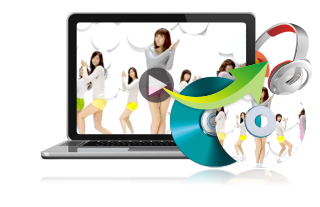
Extract audio from video and output to other audio formats
- The joyful sound that makes you feel comfortable, either from your favorite movies or from your beloved DVDs , can be converted to music in a trendy format. Extract audio tracks from all mainstream video formats on Mac
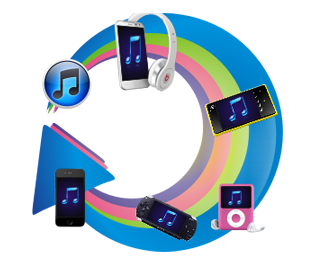
- The converted audio can be completely suitable for your audio devices: iPod, iPad 3, iPhone 4, iPhone 4S, Apple TV, Archos, Sandisk, iRiver, Creative Zen, MP3 Player, Smart Phone, Pocket PC, PDA, Xbox 360 and other high-end mobile devices
Convert audio files on Mac between different formats to play anywhere
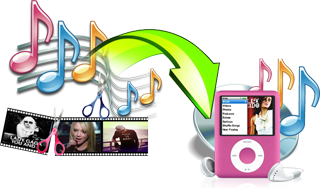
Professional audio cutter and converter for Mac
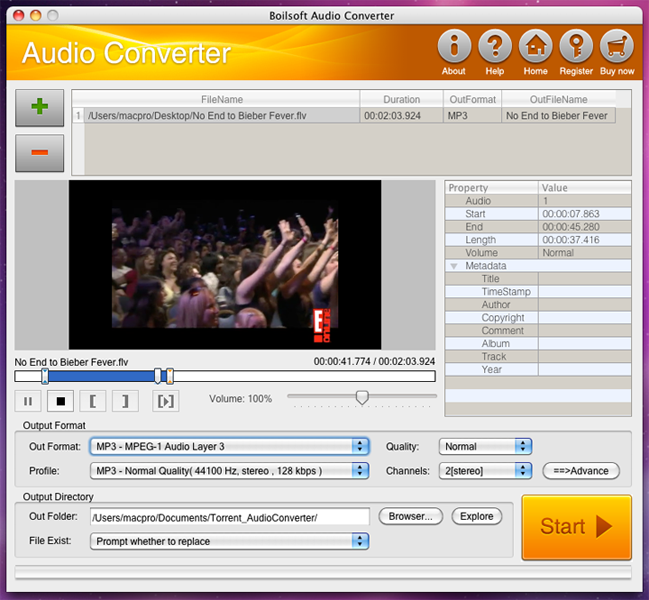
- Edit and cut segment you want to convert
- Set the expected volume of audio
- Customize the sample rate, Bit rate and channels the audio will contain
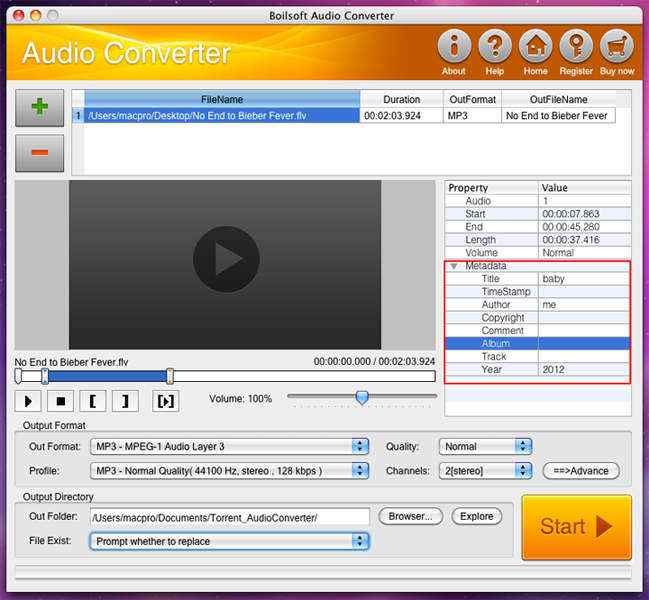
- Metadata information of the output audio format, such as title, timestamp, copyright, author, comment, album, track, year , can be customized as you like
- Batch conversion is also supported
- Versatile built-in player helps you to preview the files in various formats


Looking for something different?

Tutorials


Copyright © 2023 Boilsoft Systems International Inc. All rights reserved.